News
The Betclear App Is Now on the App Store and Google Play
Betclear now has its own app for iPhone and Android. It sets up gambling blocking on your phone in a few taps, then shows what it has stopped, how many days you have been clear and how much money you have kept, with an urge button for the hard moments.
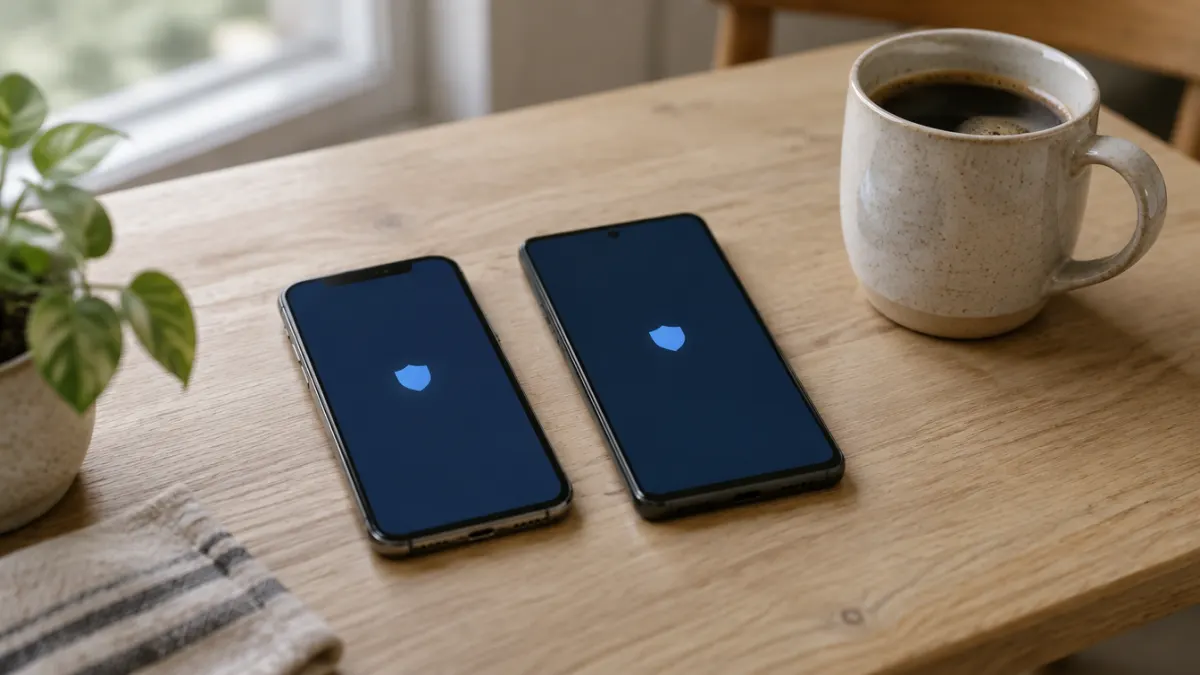
Betclear started as a website: you answered a few questions on betclear.app, chose a plan and installed protection on your phone from the browser. That still works, and nothing about it is changing. But most people who want to stop gambling are fighting it on their phone, so Betclear now has its own app for iPhone and Android. You can find it on the App Store as "Betclear: Gambling Blocker App" and on Google Play as "Betclear: Block Gambling".
The app does two jobs. It gets blocking set up on your phone in a few taps, and after that it gives you somewhere to see that the blocking is working: what it has stopped, how long you have been clear, how much money you have kept, and one button to press when an urge hits.
How blocking works in the app
The app uses the same protection as the website. Betclear points your phone at an encrypted DNS service that refuses to look up more than 500,000 known gambling, betting, casino, lottery and poker domains. When a browser or an app on your phone asks for one of those sites, the lookup fails and the site does not load. The list is updated centrally, so new sites are blocked without you reinstalling anything.
Because the blocking lives in your phone's own network settings, there is no VPN and no app that has to stay open in the background. You can close the Betclear app, or even have it crash, and gambling sites stay blocked.
- On iPhone, the app hands you to Safari to download a small configuration profile. You then install it from Settings, General, VPN & Device Management, Betclear Protection, and confirm with your passcode. The profile only sets the DNS server: it gets no access to your photos, messages, passwords or files. Our guide to blocking gambling sites on iPhone walks through every screen.
- On Android, the app gives you a personal Betclear hostname to copy. You paste it into Settings, Network & internet, Private DNS, under "Private DNS provider hostname". On a Samsung phone the setting is under Connections, More connection settings. Private DNS is built into Android 9 and later, so there is nothing else to install. The Android guide has the details for other makes.
Once it is set up, the app checks with the resolver and shows "Protection active" when your phone's traffic is going through Betclear. If something looks wrong, Help has a protection check that confirms the profile, the DNS route and your subscription in one go.
What you see once you are protected
- Today: whether protection is on, how many sites are on the list, what was blocked recently, and your current streak.
- Activity: every attempt Betclear stopped on your devices, by week, by month or for as far back as the resolver keeps history.
- Progress: days clear since the date you last gambled, your longest run, the last 30 days and the next milestone.
- Money kept: what you have not spent since you stopped, worked out from the amount you told us you used to spend, plus the hours you have got back. It is an estimate from your own figures, not a promise, and you can change those figures in Settings at any time.
None of this asks you to do anything. The point is that on a bad day you can open the app and see, in numbers, that the barrier is holding and that the days are adding up.
An urge button for the hard moments
Next to the tabs there is a shield button to get help with an urge. It opens a short screen to breathe through, reminds you that urges tend to peak and fade within minutes, and tells you that nothing is open to you right now because protection is on. If you add an accountability contact, someone who knows what you are doing and will pick up, one tap calls them from there. That contact is stored on your phone only: Betclear never sees it or sends it anywhere.
You can also switch on a daily check-in reminder. The notification never mentions gambling, because a lock screen can be read by whoever is nearby.
Found a site that still loads?
No blocklist catches every gambling site the day it goes live. If one gets through, use Report a missed site in Settings and paste the address. Reports are reviewed and added to the central list, so once a site is added it is blocked for everyone who uses Betclear, with nothing to reinstall.
One plan for every device
A Betclear subscription is tied to your account, not to one phone. Sign in with Apple, with Google or with a six-digit code sent to your email, and your plan and your answers follow you.
- Already a subscriber through betclear.app? Download the app and sign in with the same account. Your subscription carries over, so you do not need to buy it again.
- Subscribing in the app? Plans are monthly or annual, and the App Store or Google Play shows any free trial and the price in your local currency before you confirm. Billing goes through Apple or Google, so you manage or cancel it in your store's subscription settings.
- Got a computer too? Settings, Devices has the setup steps for a Mac and for Windows 11, and can send a setup link to that computer. The same plan covers it. Our guide to blocking gambling on a computer explains both.
What the app can and cannot do
Betclear makes gambling sites hard to reach at the moment an urge hits, and that is often the moment that matters. It is not a lock that nobody can open: a determined person can remove the profile or switch off Private DNS, and a browser with its own secure DNS setting can route around the phone's settings until that setting is turned off. It also does not reach betting shops, casinos or scratch cards.
That is why it works best as one layer among several: self-exclusion from the gambling sites and registers in your country, a gambling block on your bank card, and talking to someone. If you are struggling, a free and confidential gambling helpline will help more than any blocker. Our article on how to stop gambling puts those layers together.
Get the app
Search for Betclear on the App Store or Google Play, or use the store buttons at the bottom of any page on the Betclear website. The app needs iOS 16.4 or later on iPhone. On Android, blocking uses Private DNS, which needs Android 9 or later. If you would rather not use an app, betclear.app sets up exactly the same protection from your browser.
Betclear is a gambling website blocker, not a medical service. If you need clinical or crisis support, please contact a qualified professional or a responsible-gambling helpline.